Help centre
Guides for teachers
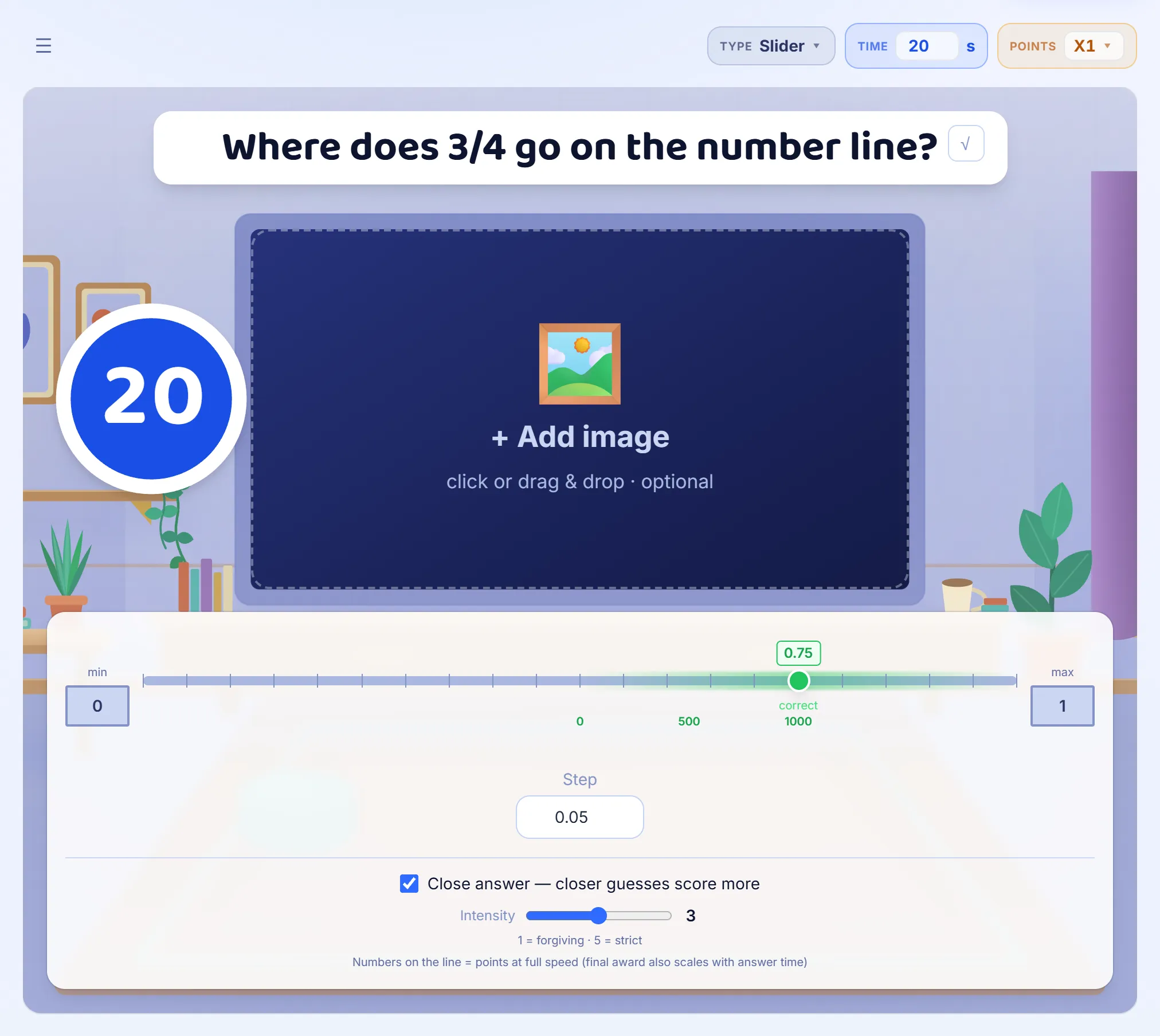
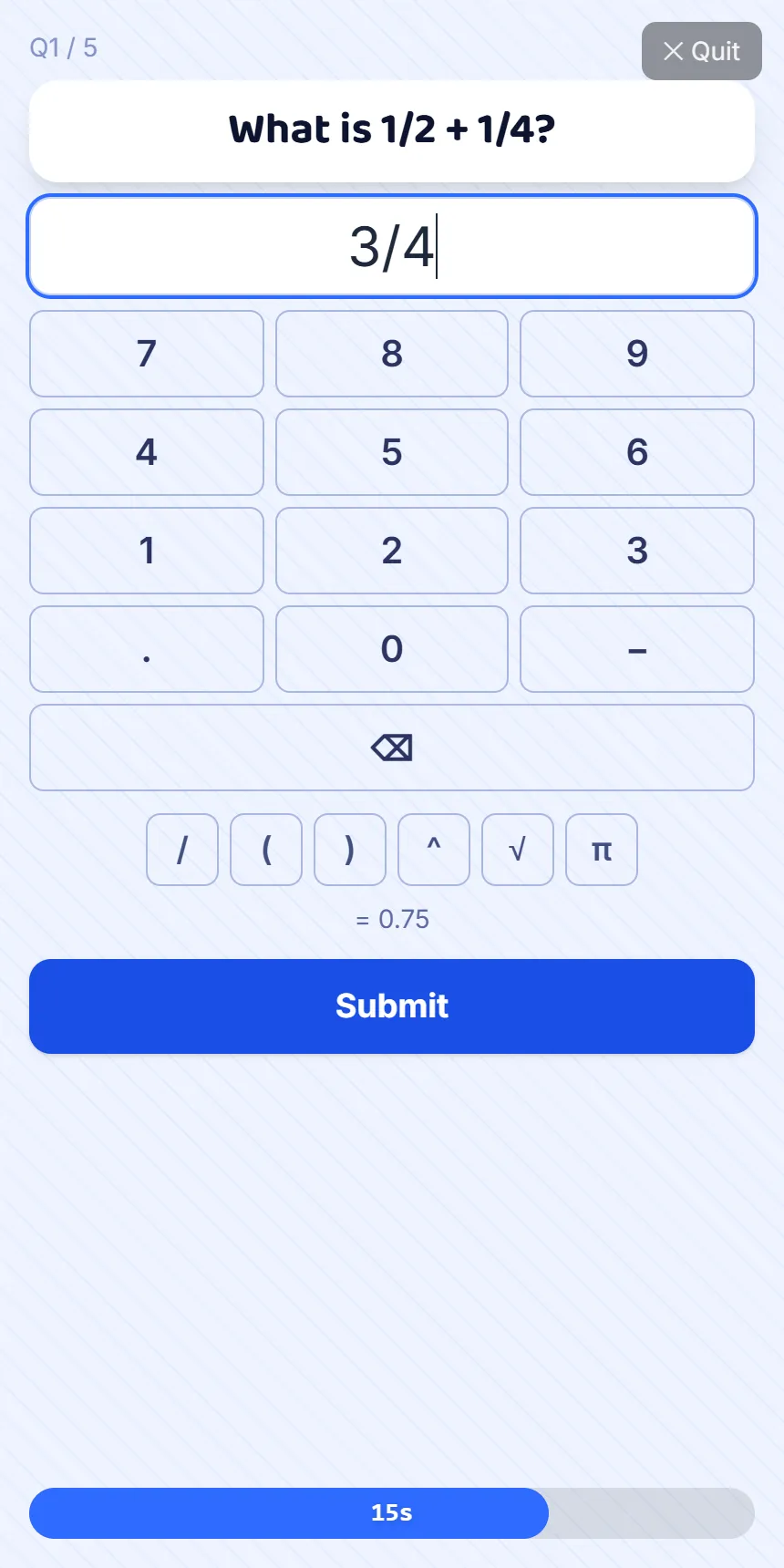
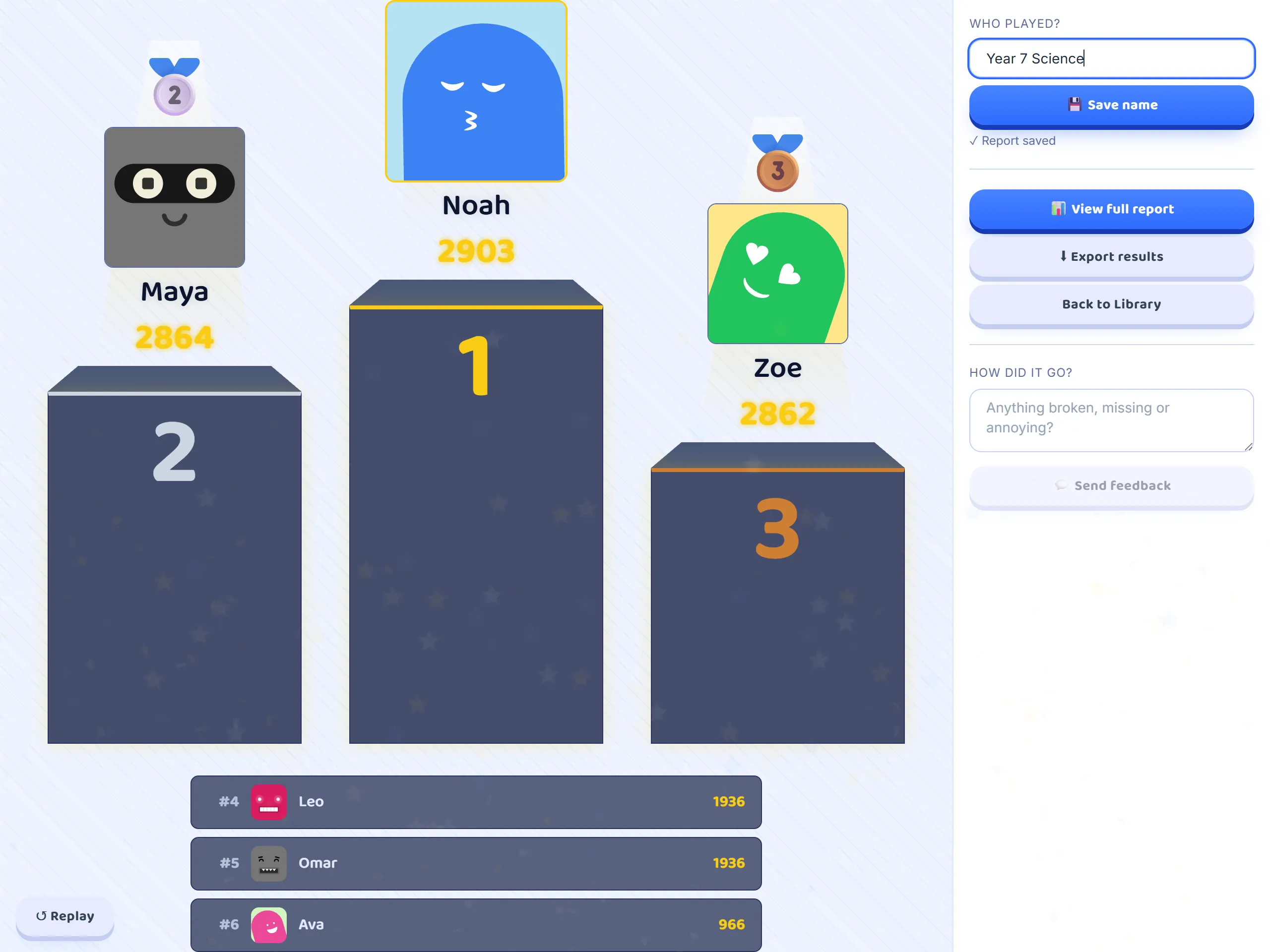
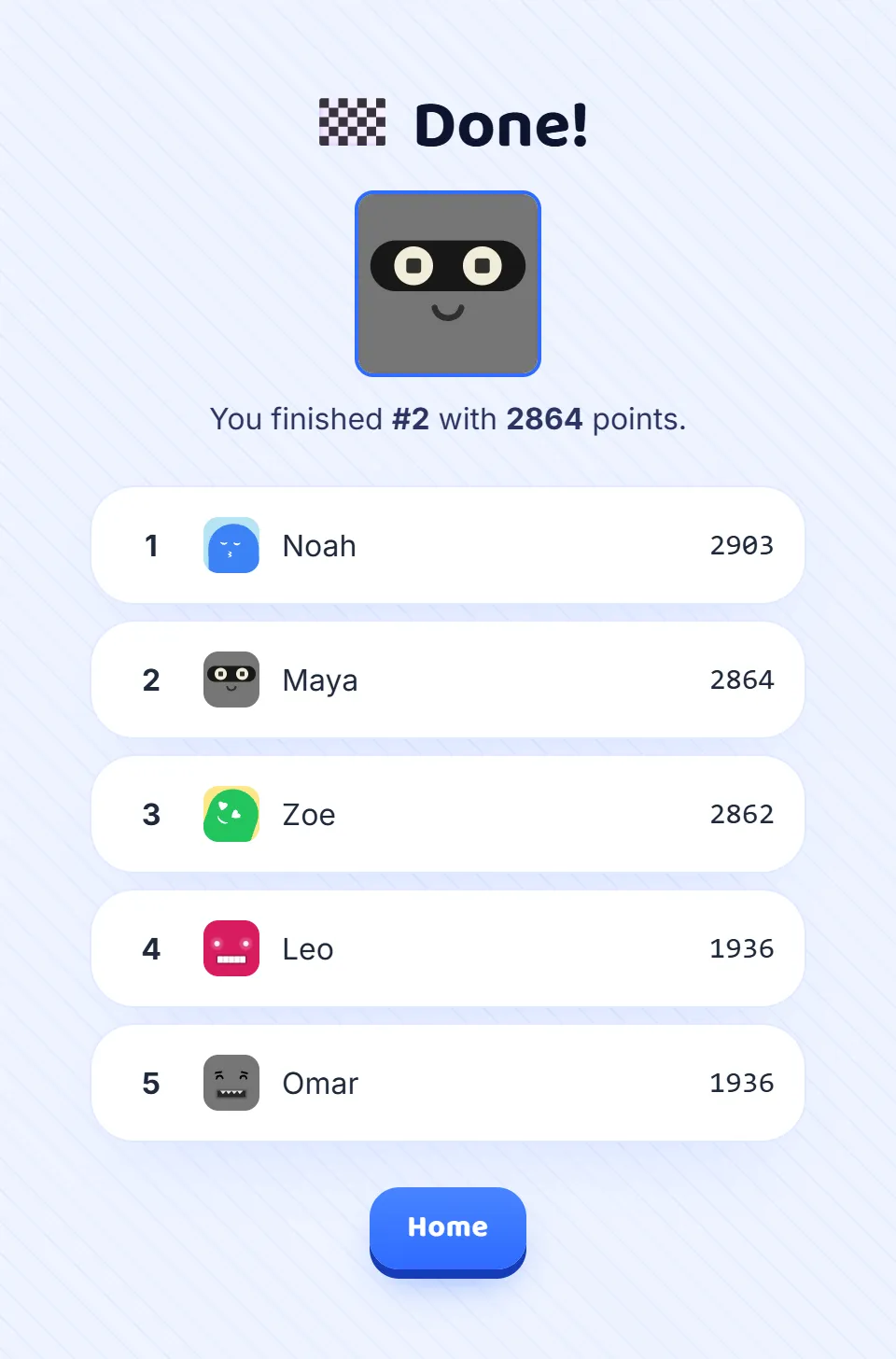
20 step-by-step guides, with pictures of the real screens.



New to Giga Quizzes?
Start here
These three, in this order.
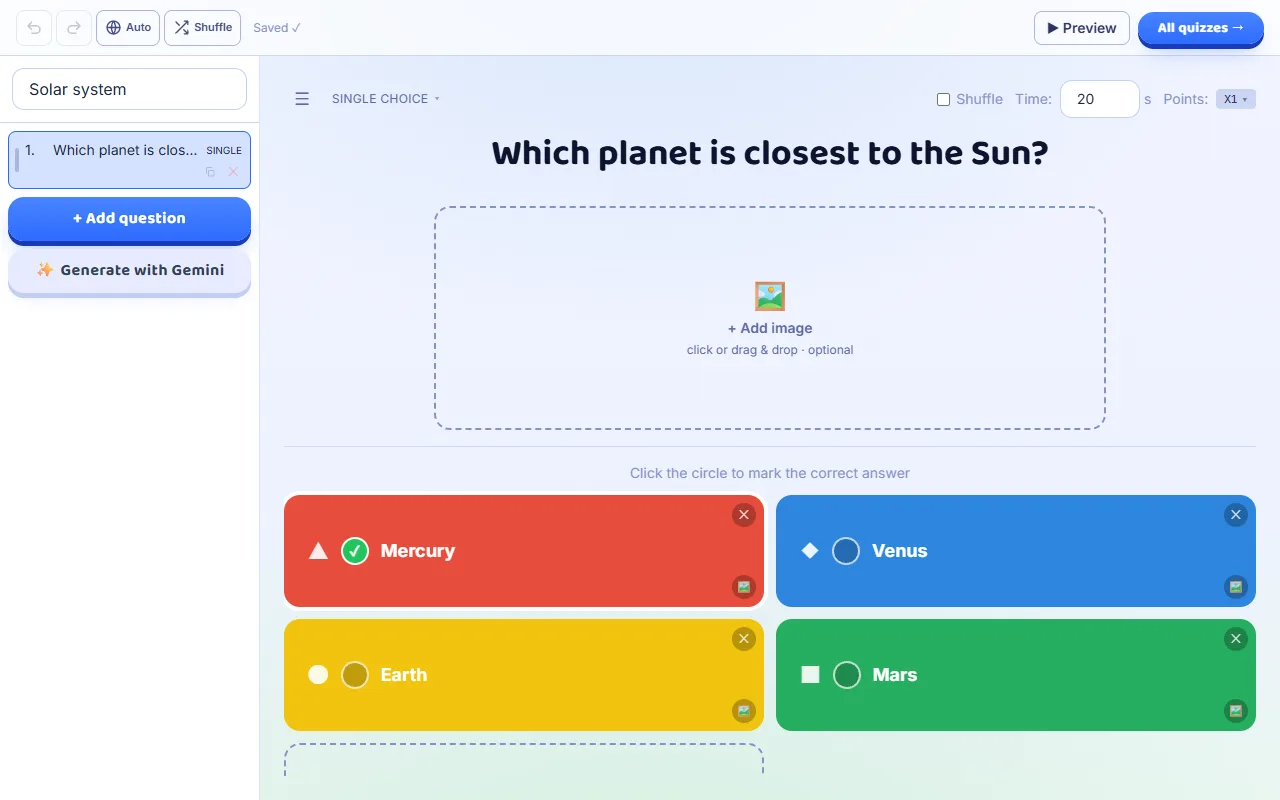
- Make your first quiz
A walkthrough that follows you through the real screens — it waits while you work and moves on once you have done each part.
8 steps · about 4 min
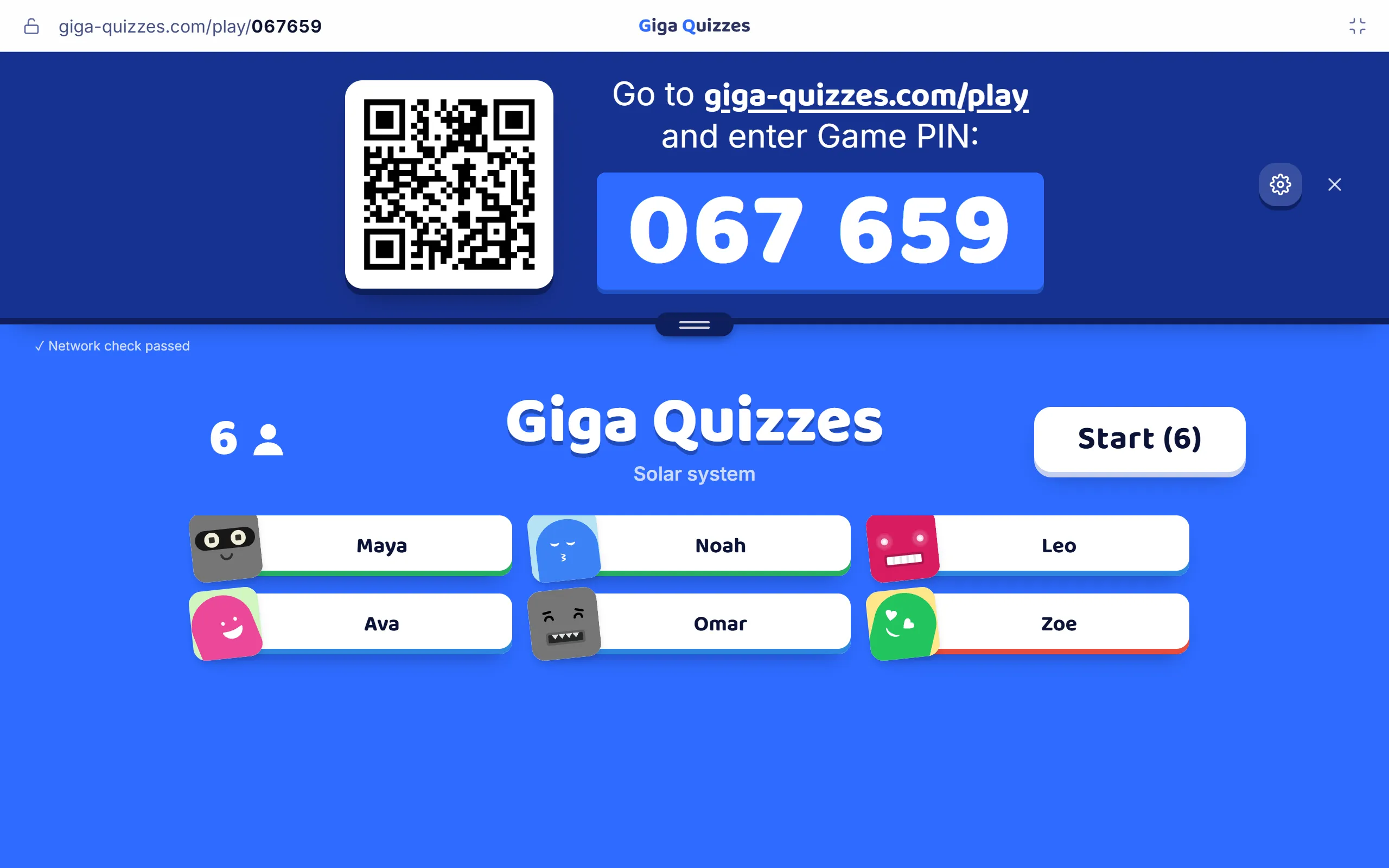
- Host it as a live game
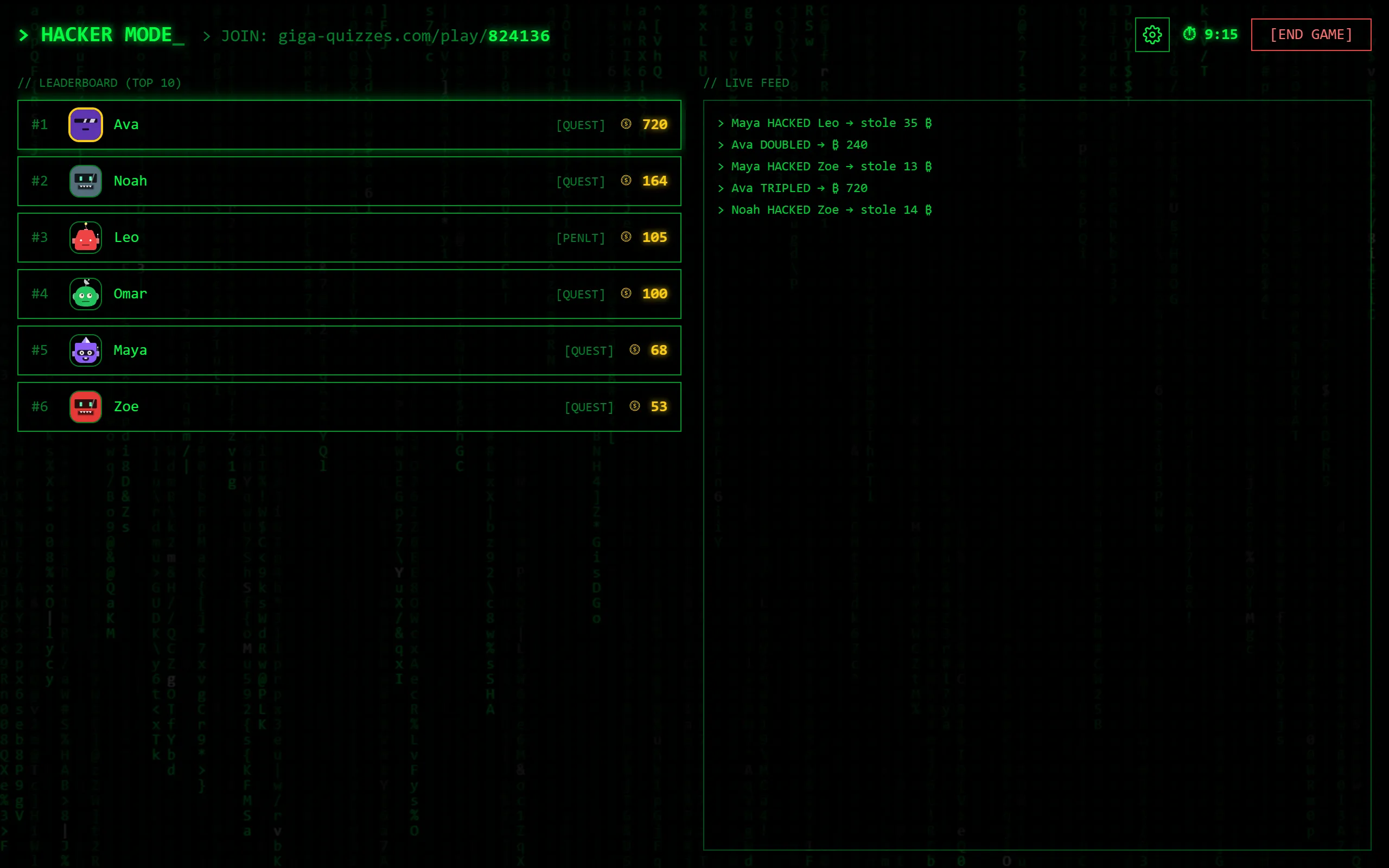
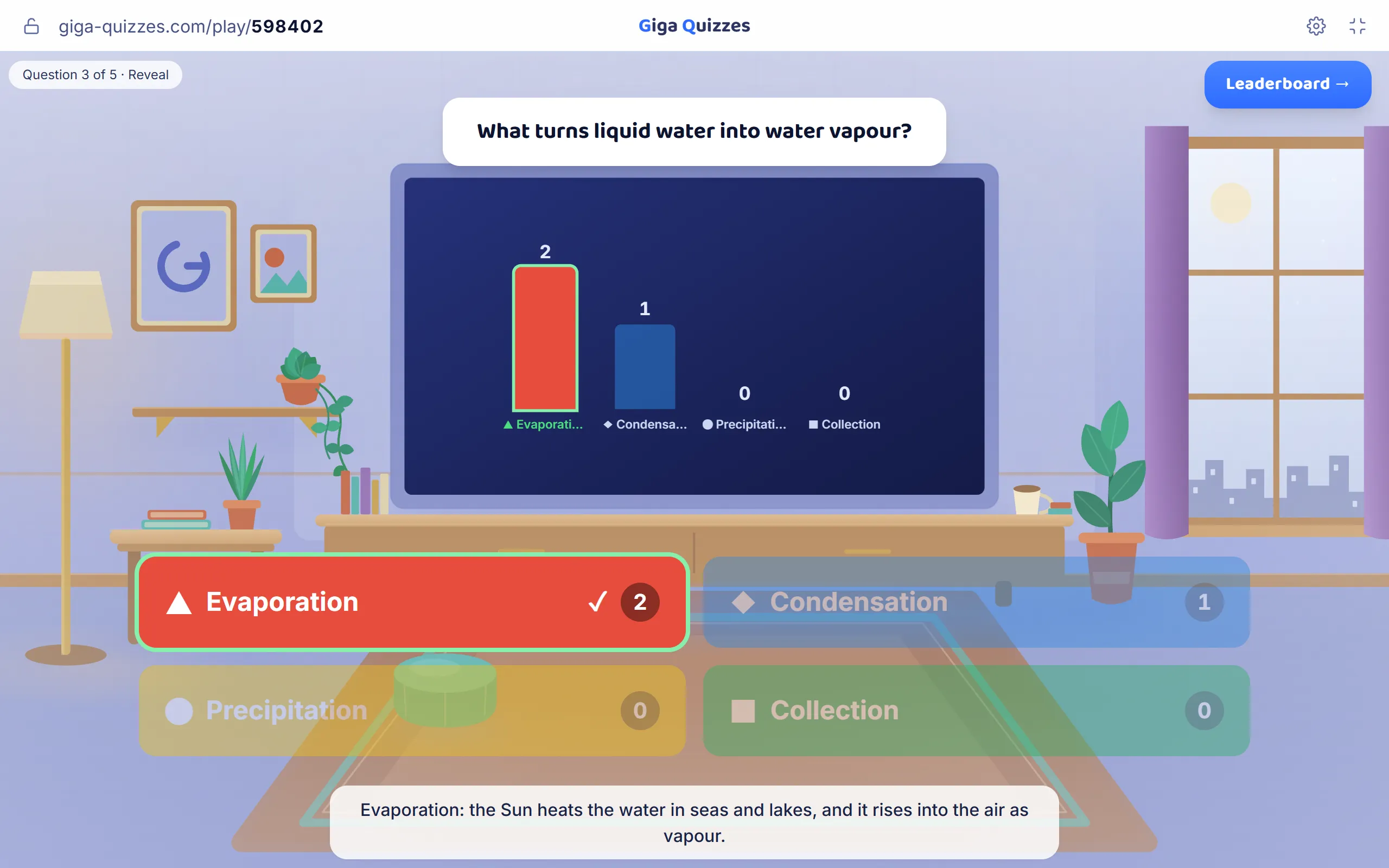
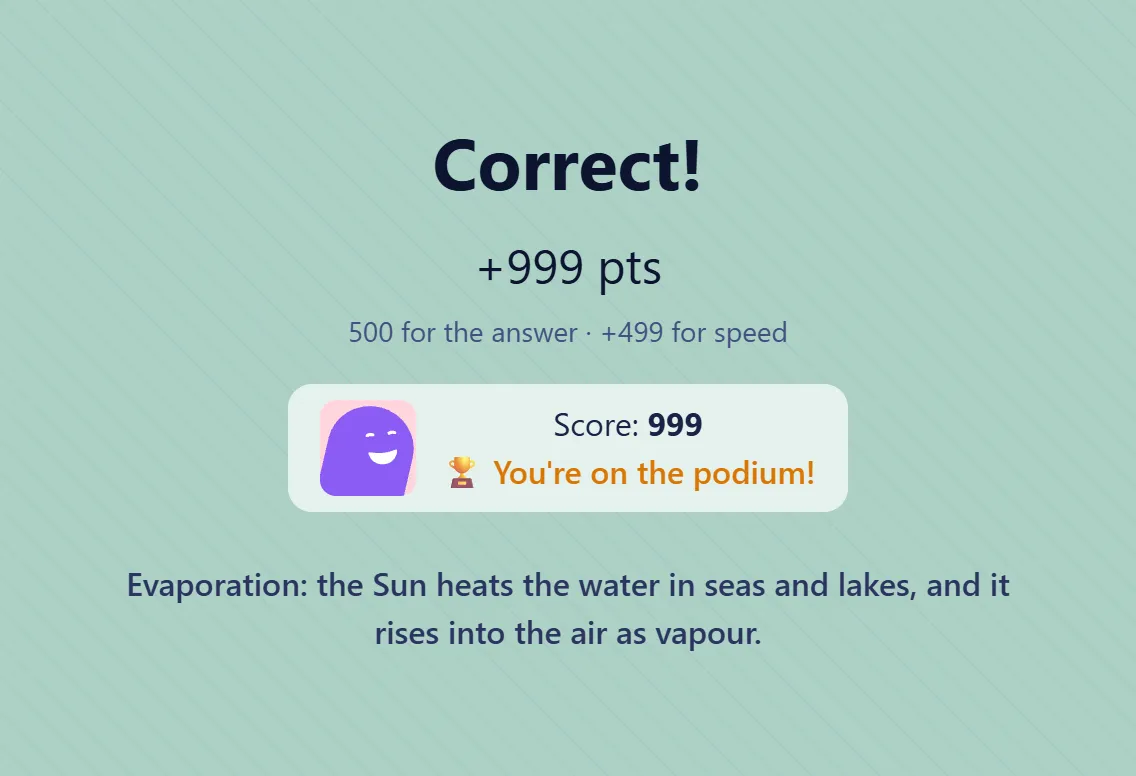
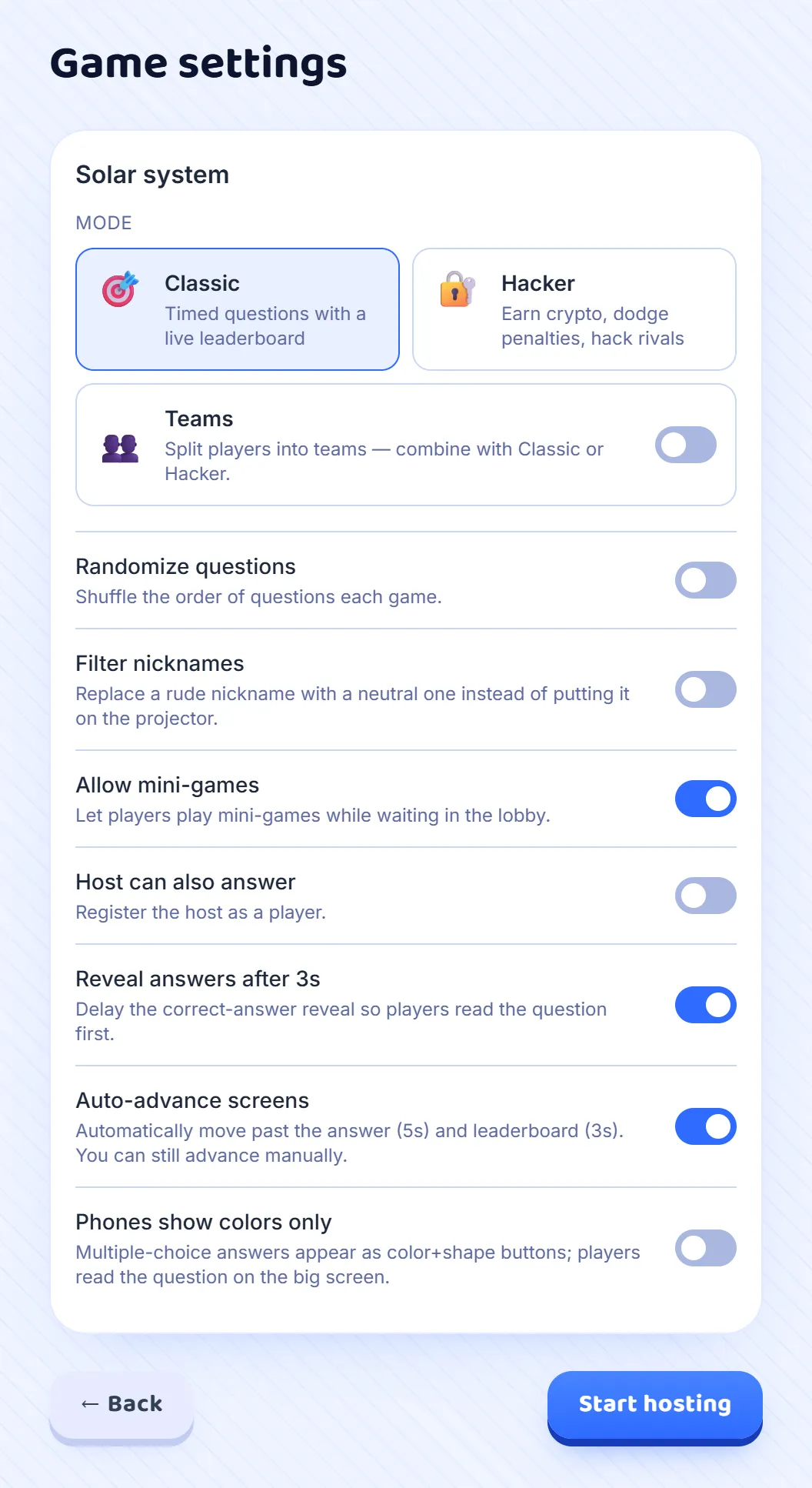
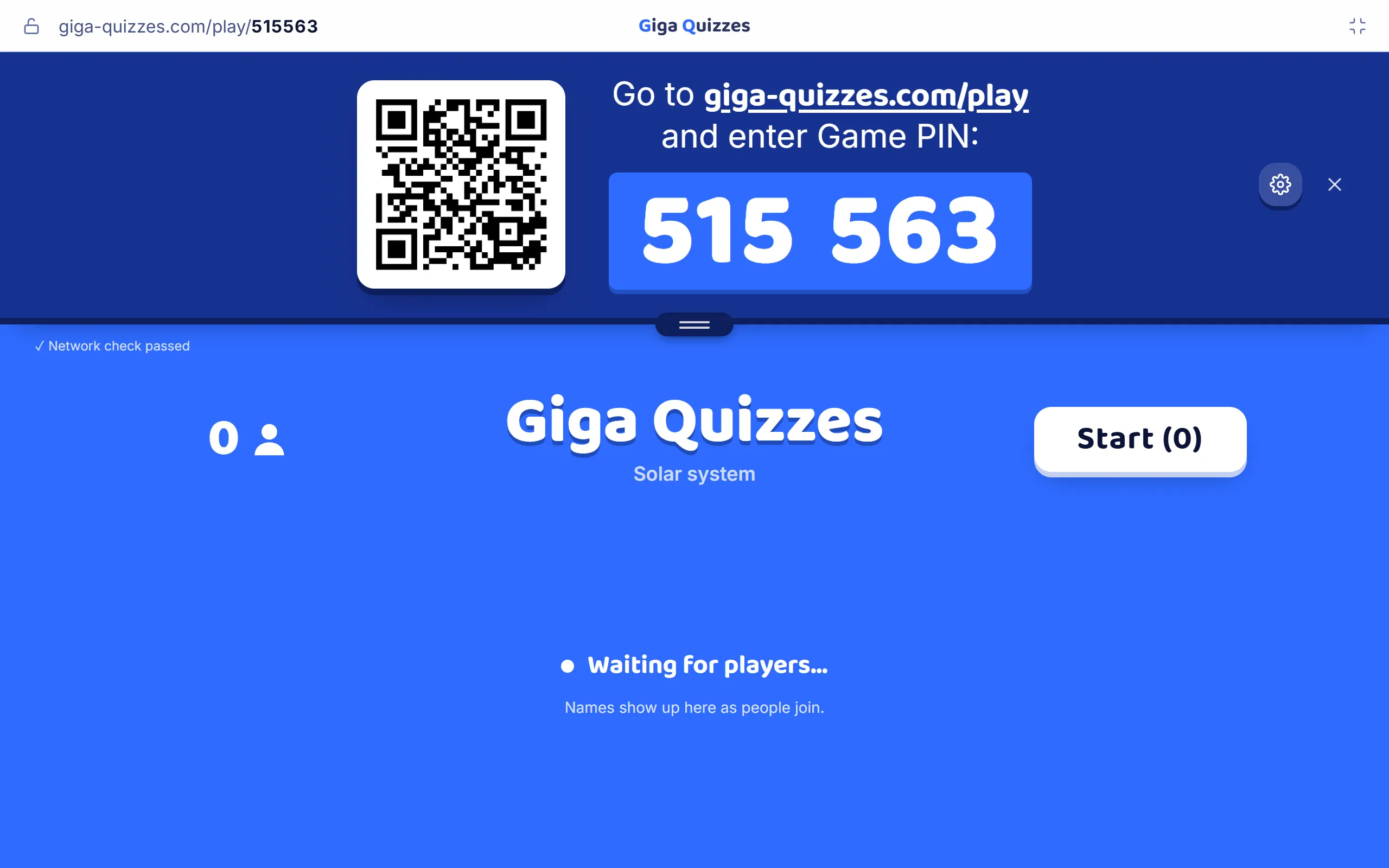
From a set in your Library to a room code on the big screen, then the questions, the leaderboard and the podium.
7 steps · about 3 min
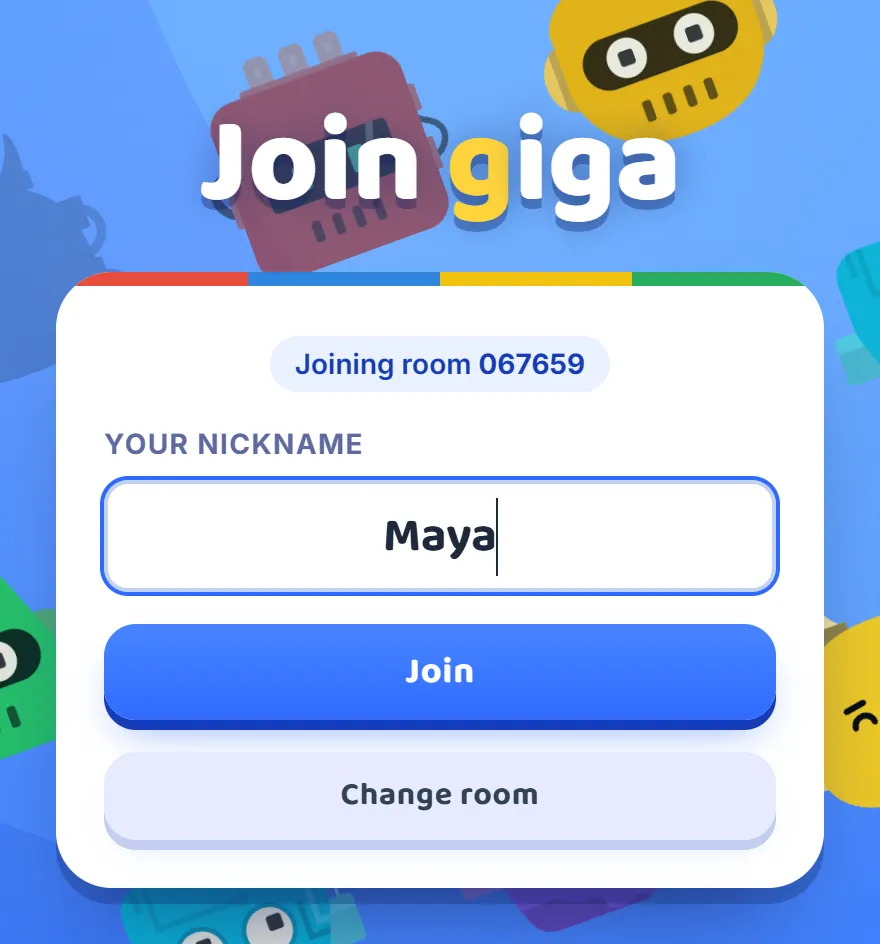
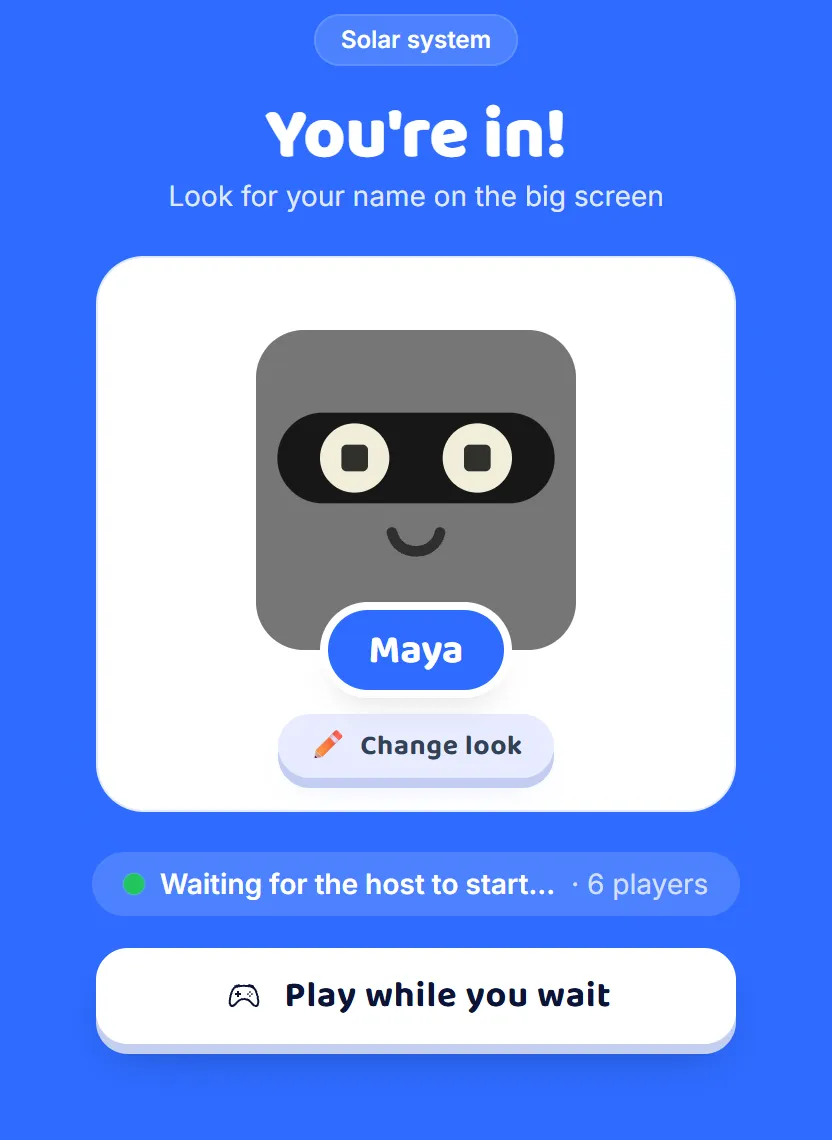
- See how your class joins
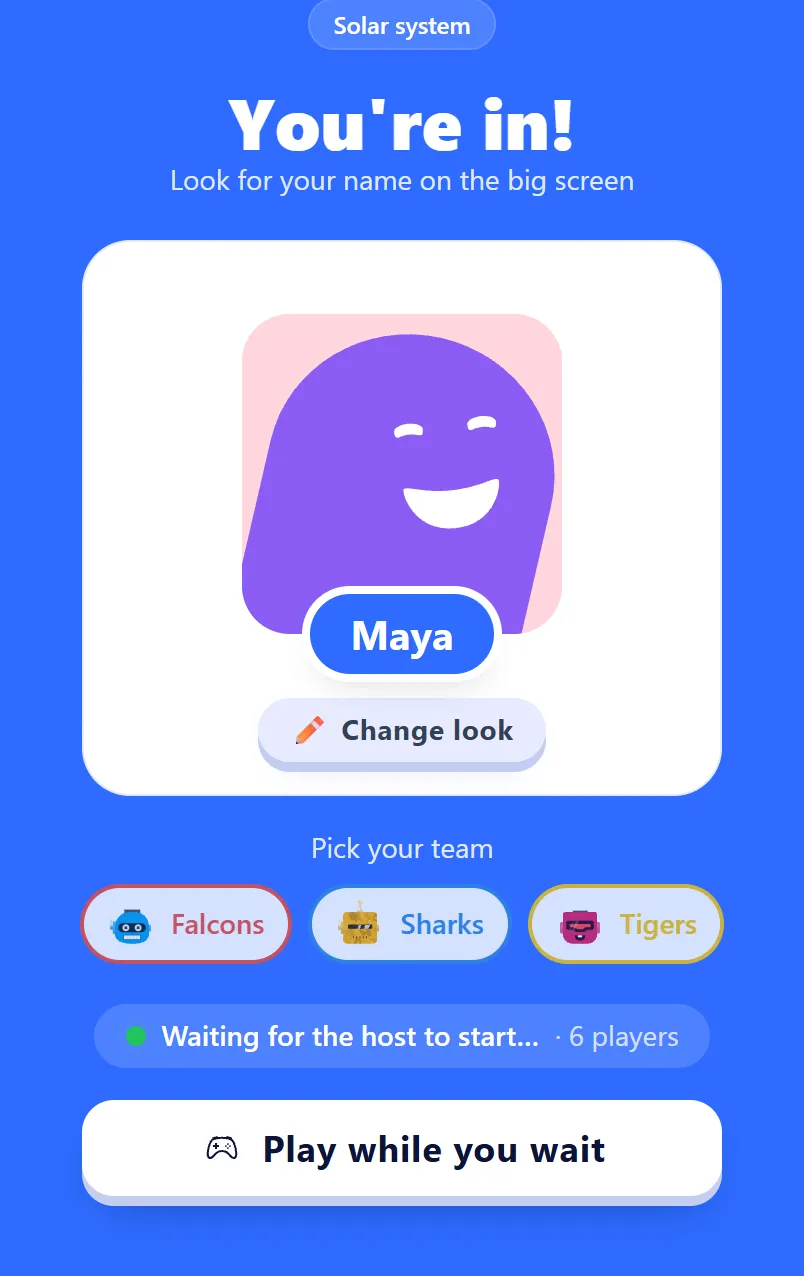
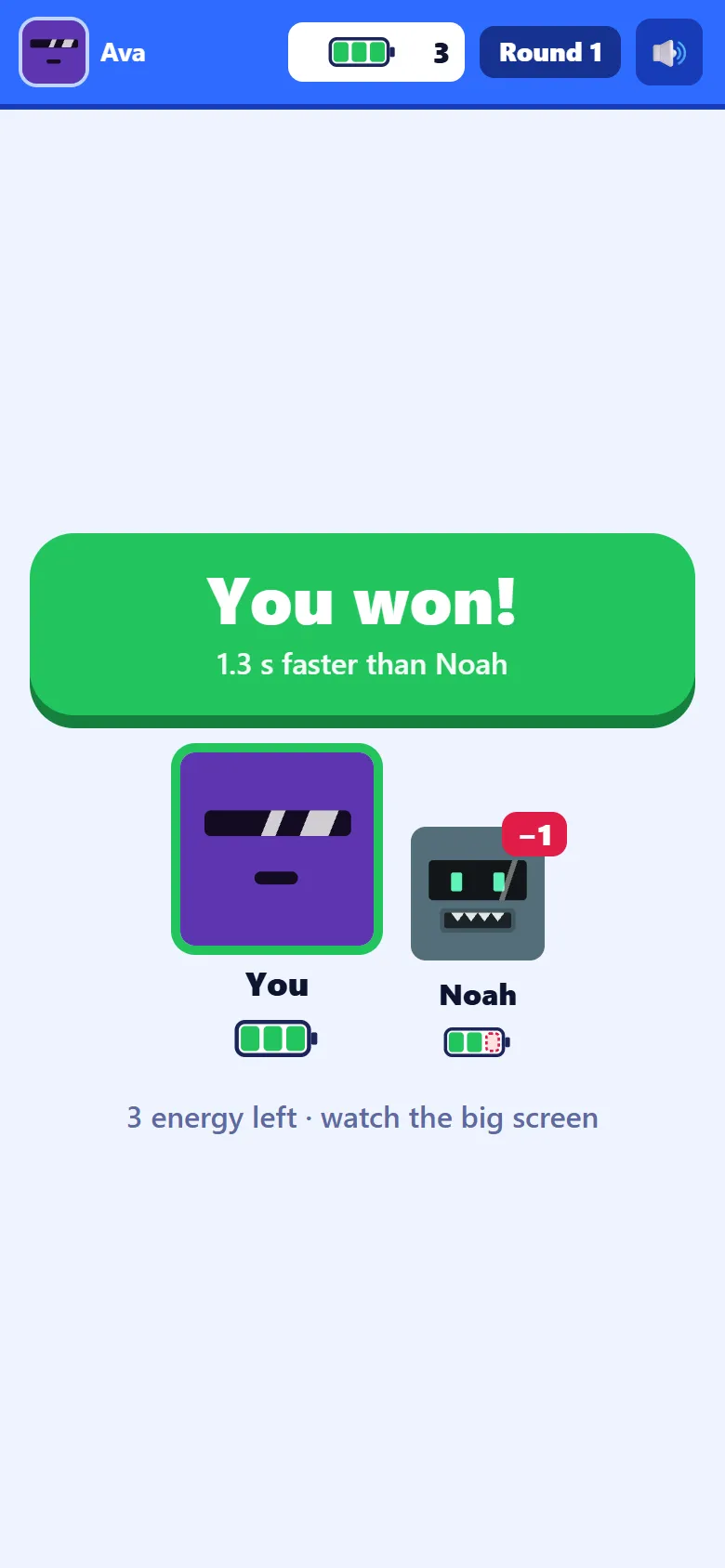
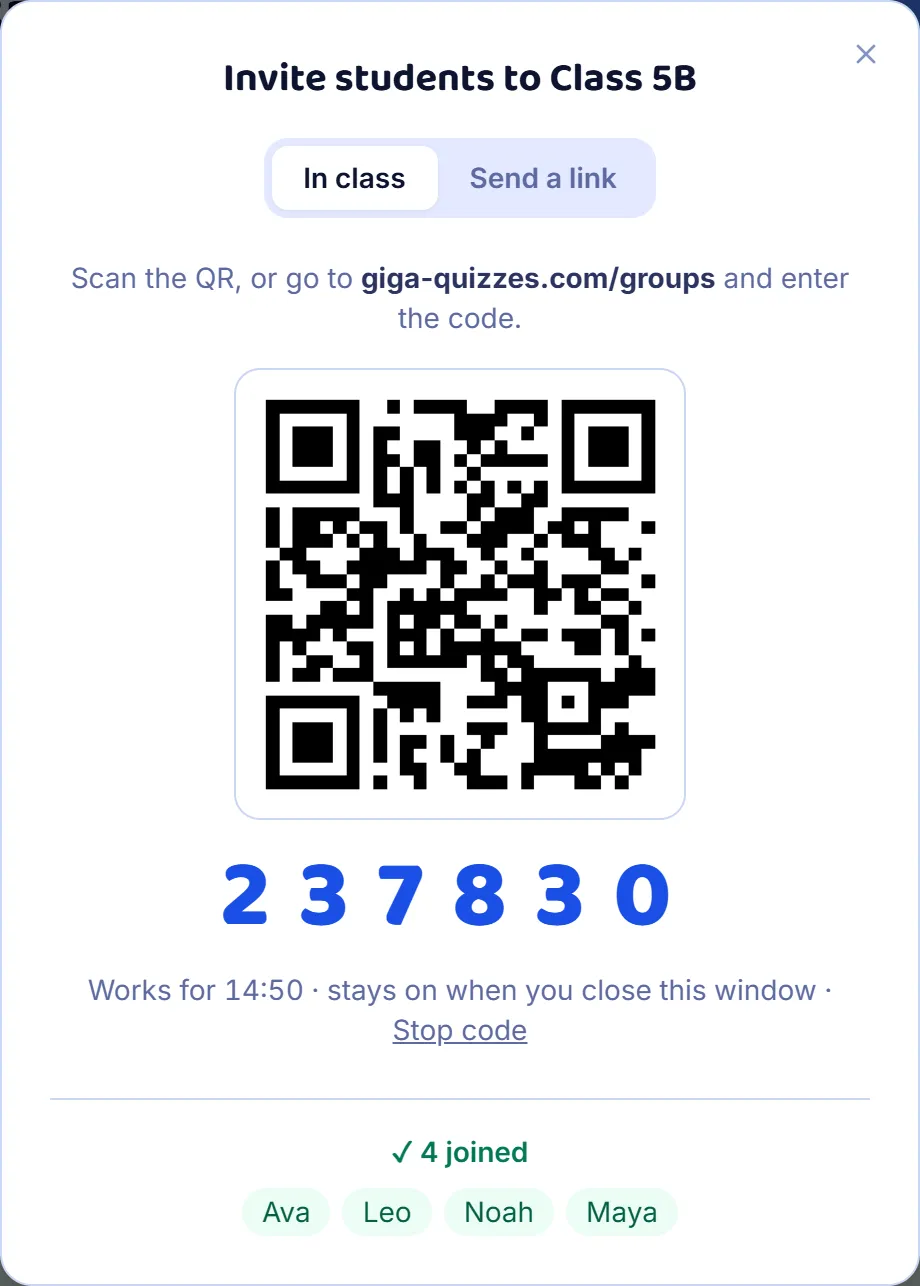
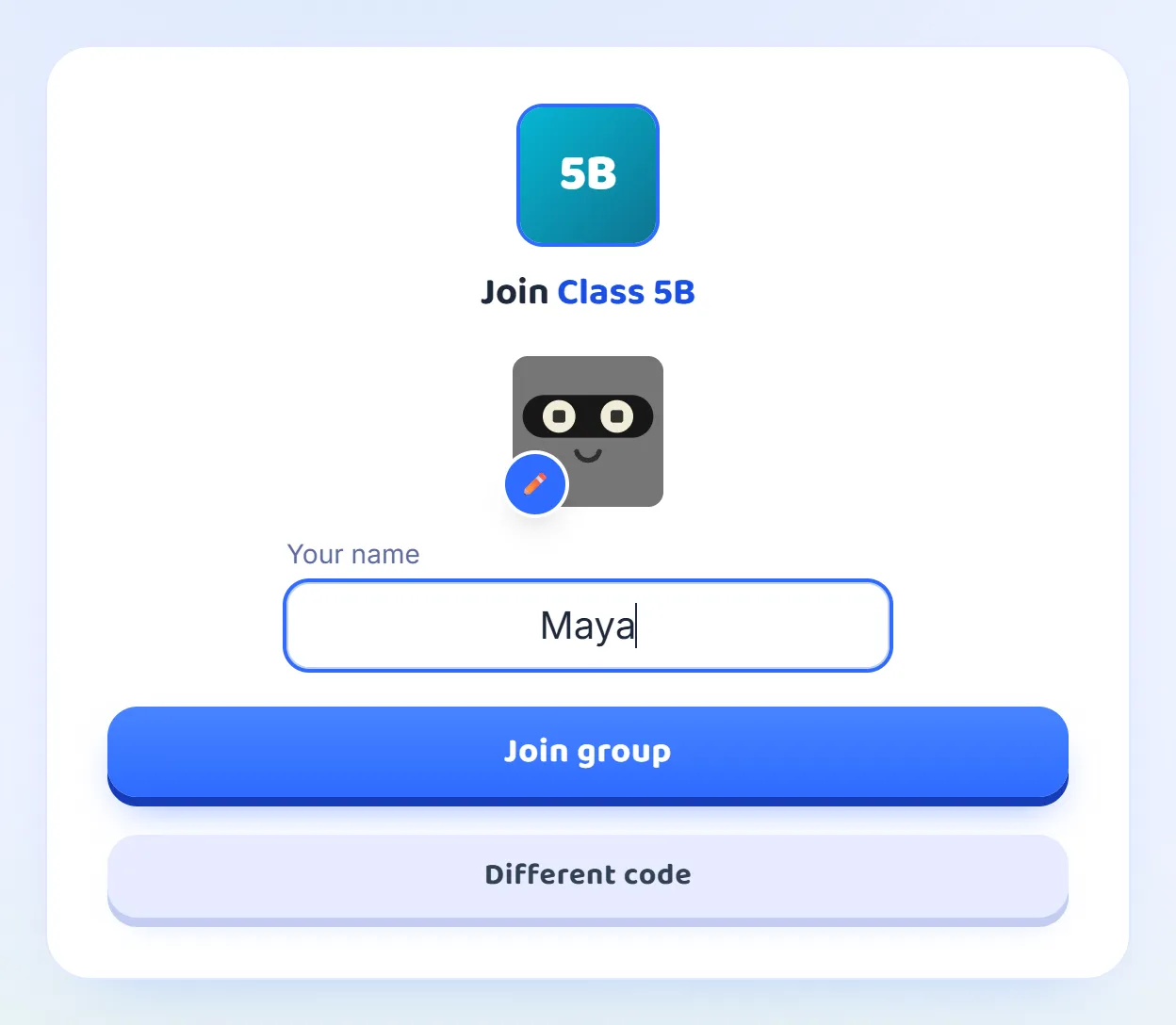
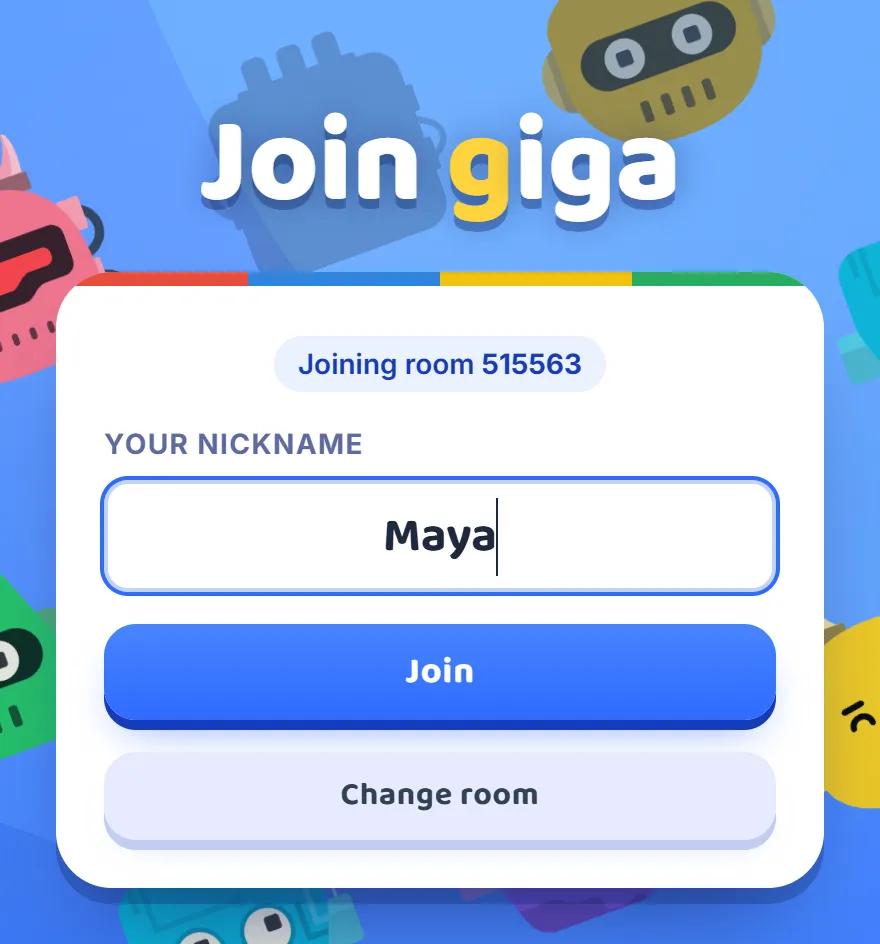
A room code and a nickname, and you are in: no account and no app. Every screen a player sees, from joining to the final results.
7 steps · about 2 min
After your first game
What to read next
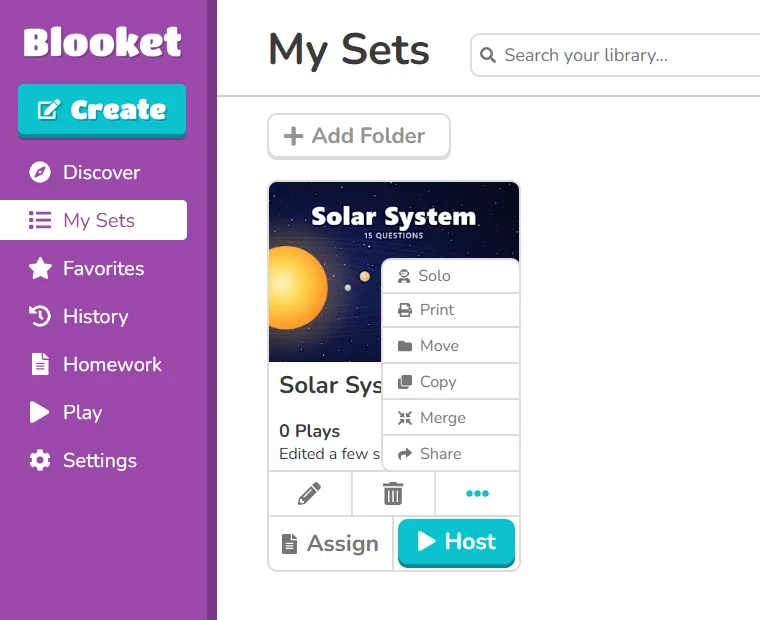
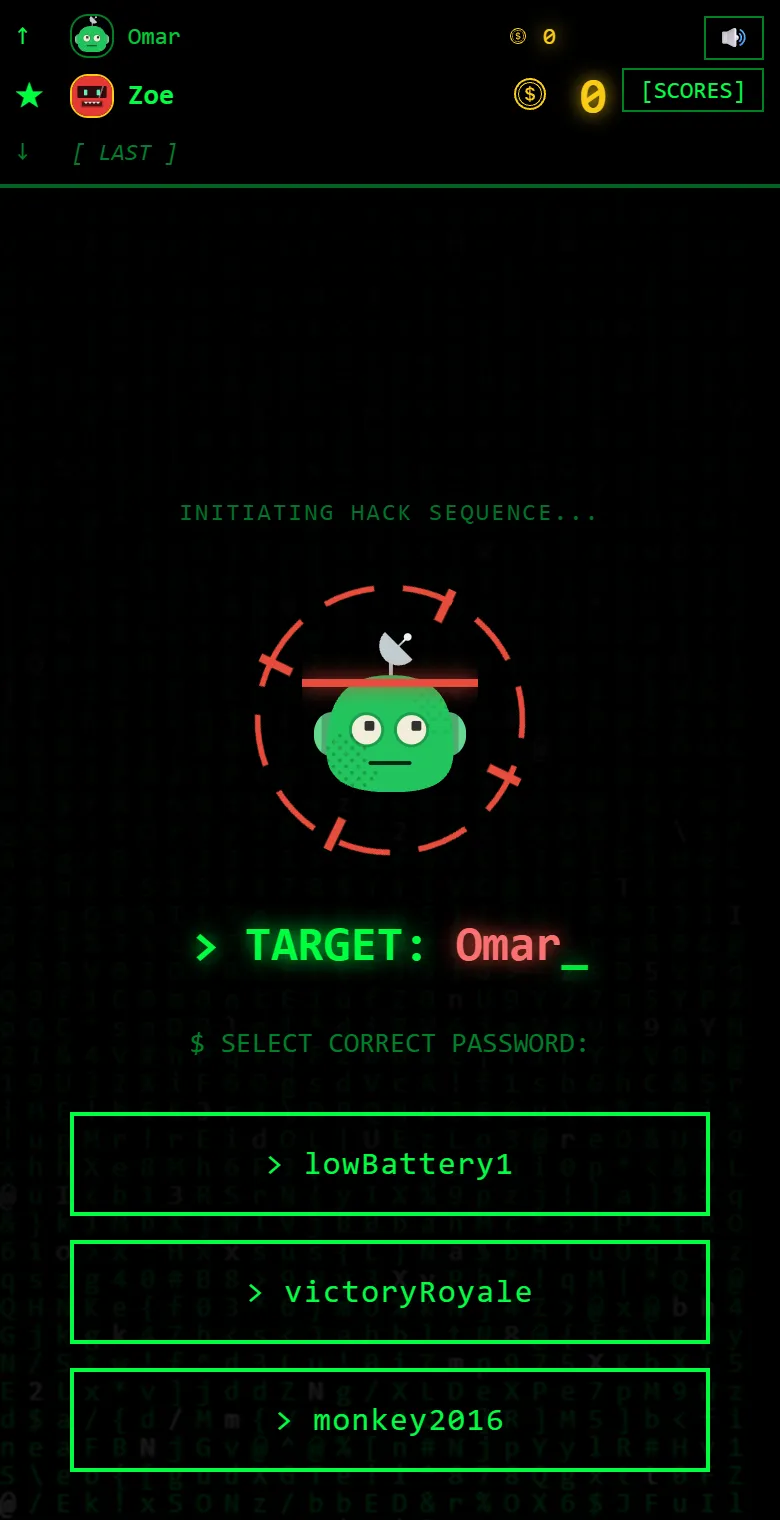
Your Blooket sets, two more ways to play, and every kind of question.

More guides
For when you need them
The most read first.
Quick answers
Questions teachers ask
Or type your own question in the search above.
How many players can join one game?
Up to 500 players can join one game, on a free account.
Show me in the guide →Do students need an account?
No. Students type the code and a nickname, and they are in: no sign-up, no email, no app.
Show me in the guide →Is it free?
Yes. A free account hosts live games of up to 500 players, with every question type.
How do students join a game?
They open giga-quizzes.com/play and type the six-digit code from your screen.
Show me in the guide →Can AI write the questions for me?
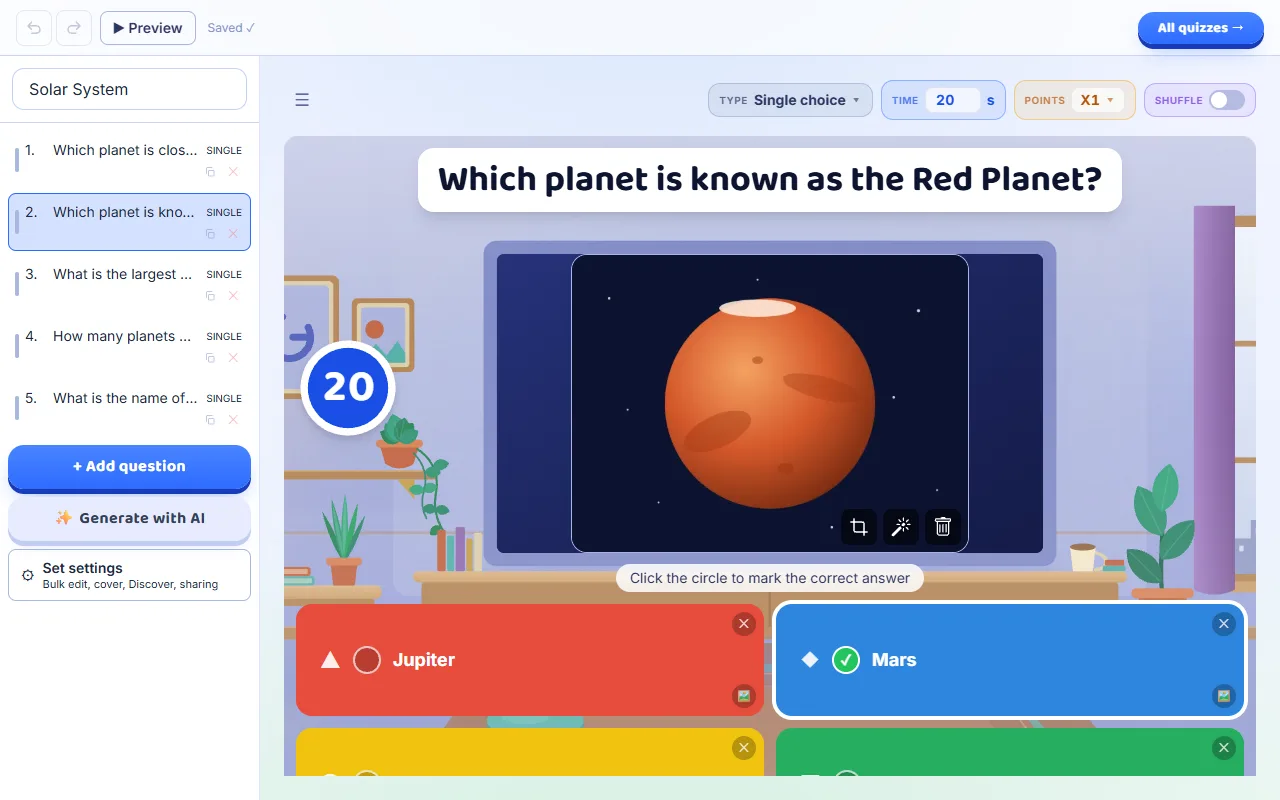
Yes. In the editor, give AI a topic and it drafts questions you can change before you host.
Show me in the guide →Can I bring my quizzes over from Blooket?
Yes. Print the Blooket set to PDF and press Import PDF in your Library: the questions arrive with their pictures.
Show me in the guide →Can I play over Zoom, Meet or Teams?
Yes. Share your screen in the call and paste the join link in the chat, and students play in another tab or on a phone.
Show me in the guide →Where do I see the results?
Every game’s report is kept under Reports in the sidebar, with every player’s answers, question by question.
Show me in the guide →Can’t find what you need?
Write to us, and we will get back to you.